

The day in four frames
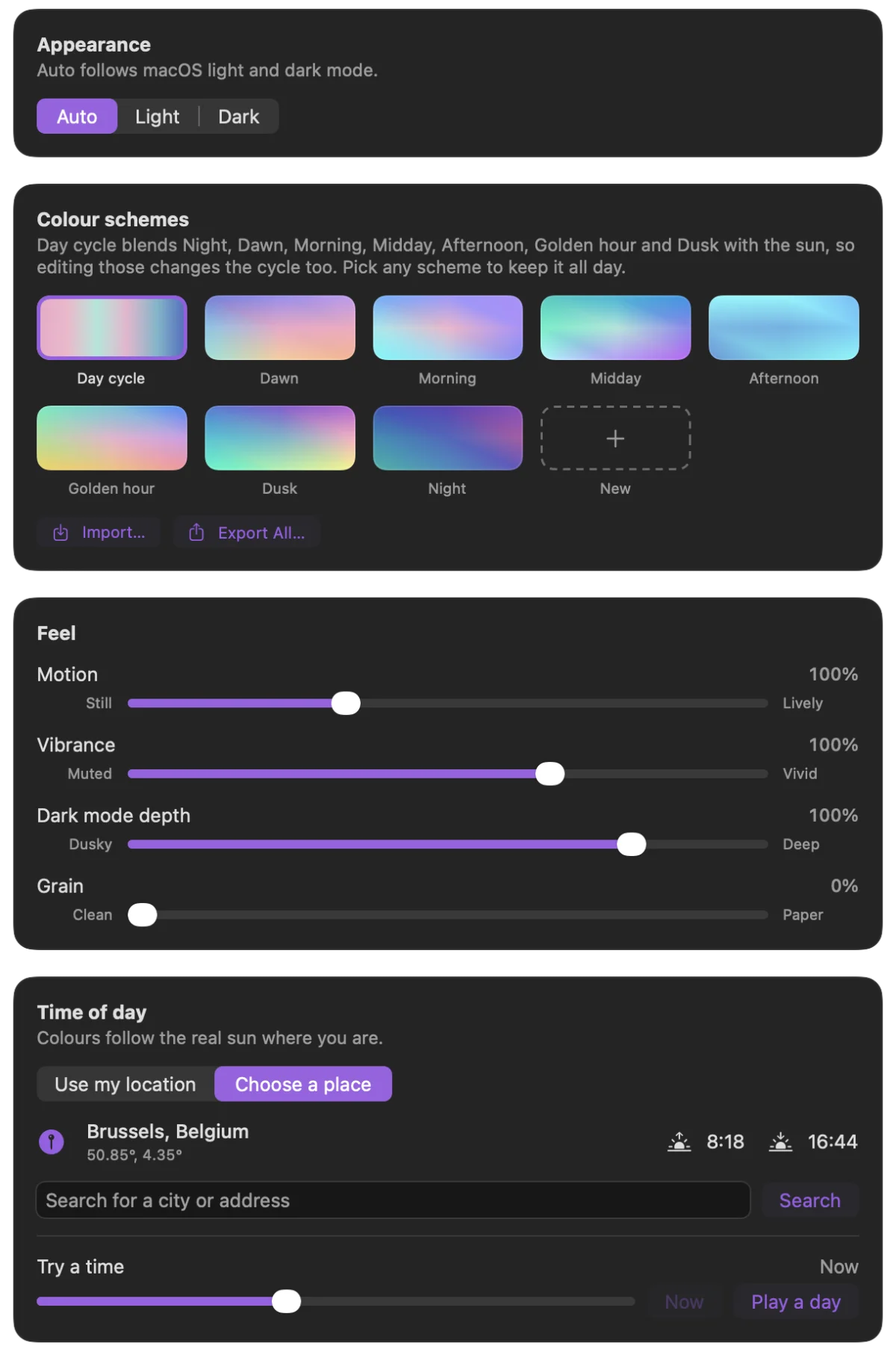
Dayshade moves through seven colour schemes with the sun: night, dawn, morning, midday, afternoon, golden hour and dusk. A winter day in Belgium looks softer than a summer one, because the sun stays lower.




What it does
-
Follows the sun
Colours move with the real sunrise and sunset where you are, all year round.
-
Light and dark mode
Dark mode gets deep, jewel-toned versions of every scheme and fades across when macOS switches.
-
Your own colour schemes
Edit the built-in schemes, make your own, and share them as small JSON files.
-
Logos
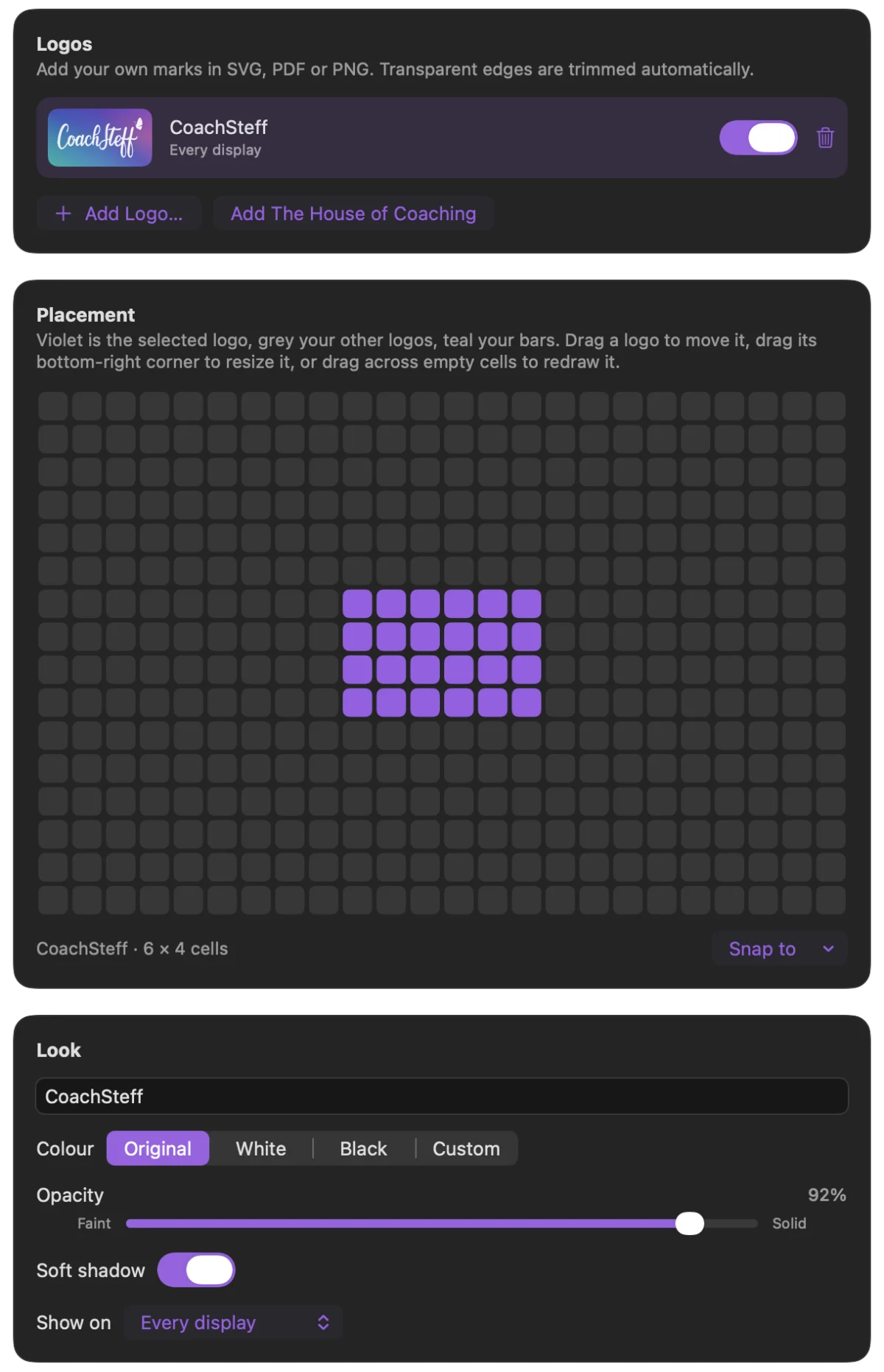
Add your own marks in SVG, PDF or PNG and place each one on a simple grid.
-
Bars and shelves
Glassy panels on the wallpaper: a strip under the menu bar, a shelf behind the Dock, or zones for your files.
-
Light on your Mac
It rests while the screen sleeps or an app goes full screen. Typical use is 5 to 8% of one CPU core.
Make it yours
A live preview at the top of Settings shows every change as you make it.
Install
For now you build Dayshade from its source code. It takes two commands and about a minute. There is no download yet.
You need
- macOS 15 Sequoia or later
- A Mac with Apple silicon
- Xcode command line tools, installed with
xcode-select --install
Then, in Terminal
1. Download the code
git clone https://github.com/CoachSteff/dayshade.git2. Build, install and start it
cd dayshade && ./build.sh installDayshade lands in your Applications folder and a sun icon appears in the menu bar. To start it with your Mac, turn on Open at login in Settings.
Open source
Dayshade is free software. The code is released under the GNU Affero General Public License, version 3 or later, and the documentation, this website and the images under Creative Commons Attribution-ShareAlike 4.0. You may use it, study it, share it and change it, as long as what you share stays open under the same terms. It is plain Swift and SwiftUI, with no dependencies to download. Read the code on GitHub, or start with how the pieces fit together.

Designed by CoachSteff
Dayshade is designed and built by Steff Vanhaverbeke, aka CoachSteff, who builds tools with AI and teaches others to do the same.